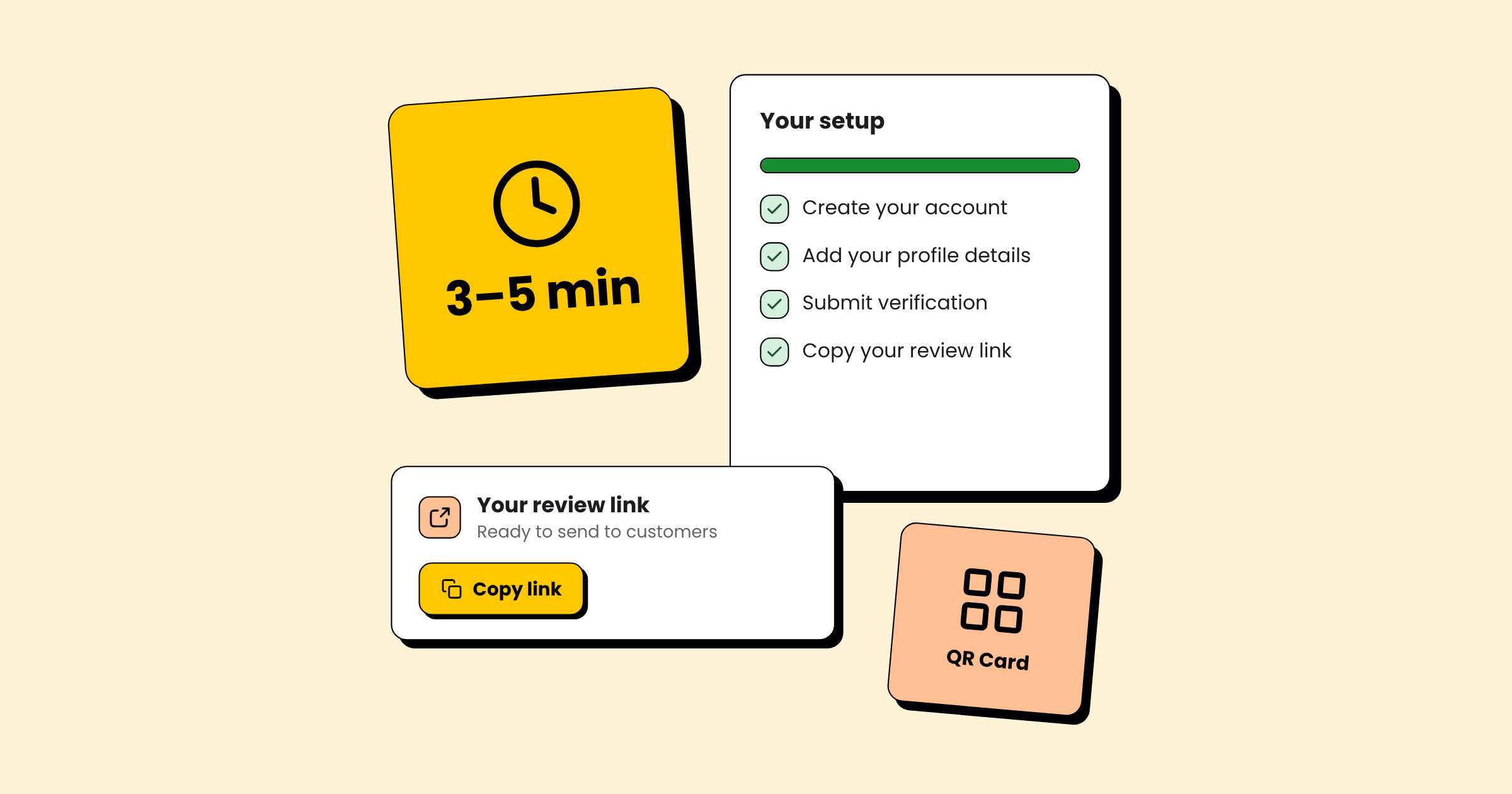

Parrot Business setup takes about 3 to 5 minutes. Once you finish, you can generate your review link straight away and start collecting reviews.
Most of that time goes into entering details you already have. So it helps to gather them before you begin.
What you need for your Parrot Business setup
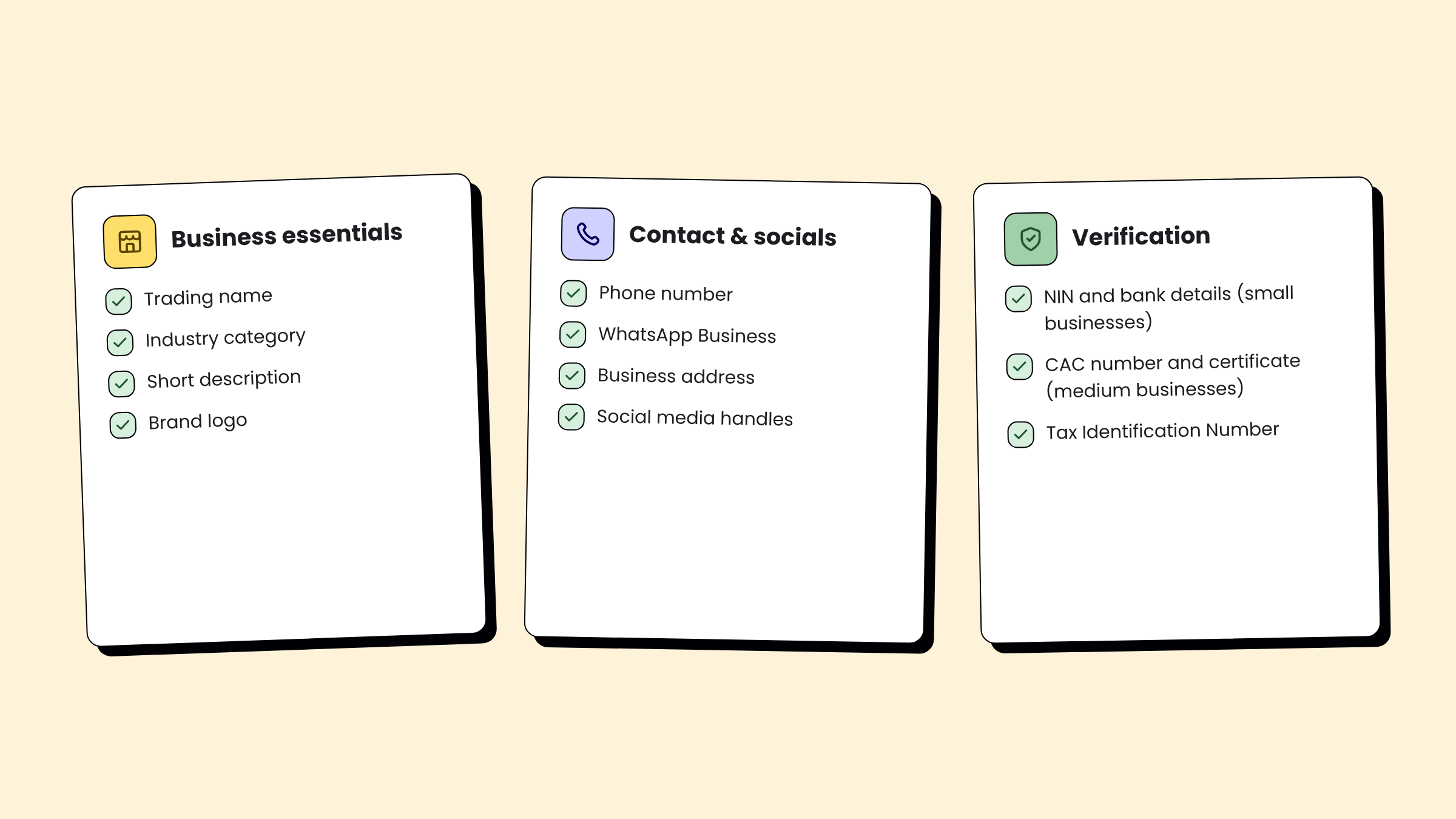
To make setup quick and smooth, have the following ready:
- Business essentials: Your trading name, main industry category, a short business description and your logo.
- Contact and social handles: An active phone number, WhatsApp Business contact, business address and social media handles (Instagram, TikTok, X and Facebook).
- Verification details: Small businesses need their NIN and bank account details. Medium businesses need their CAC registration number, certificate upload and Tax Identification Number (TIN).
Not sure which verification path fits you? Read Do You Need CAC Registration to Create a Parrot Business Profile? for a full breakdown.
Parrot Business setup in five steps
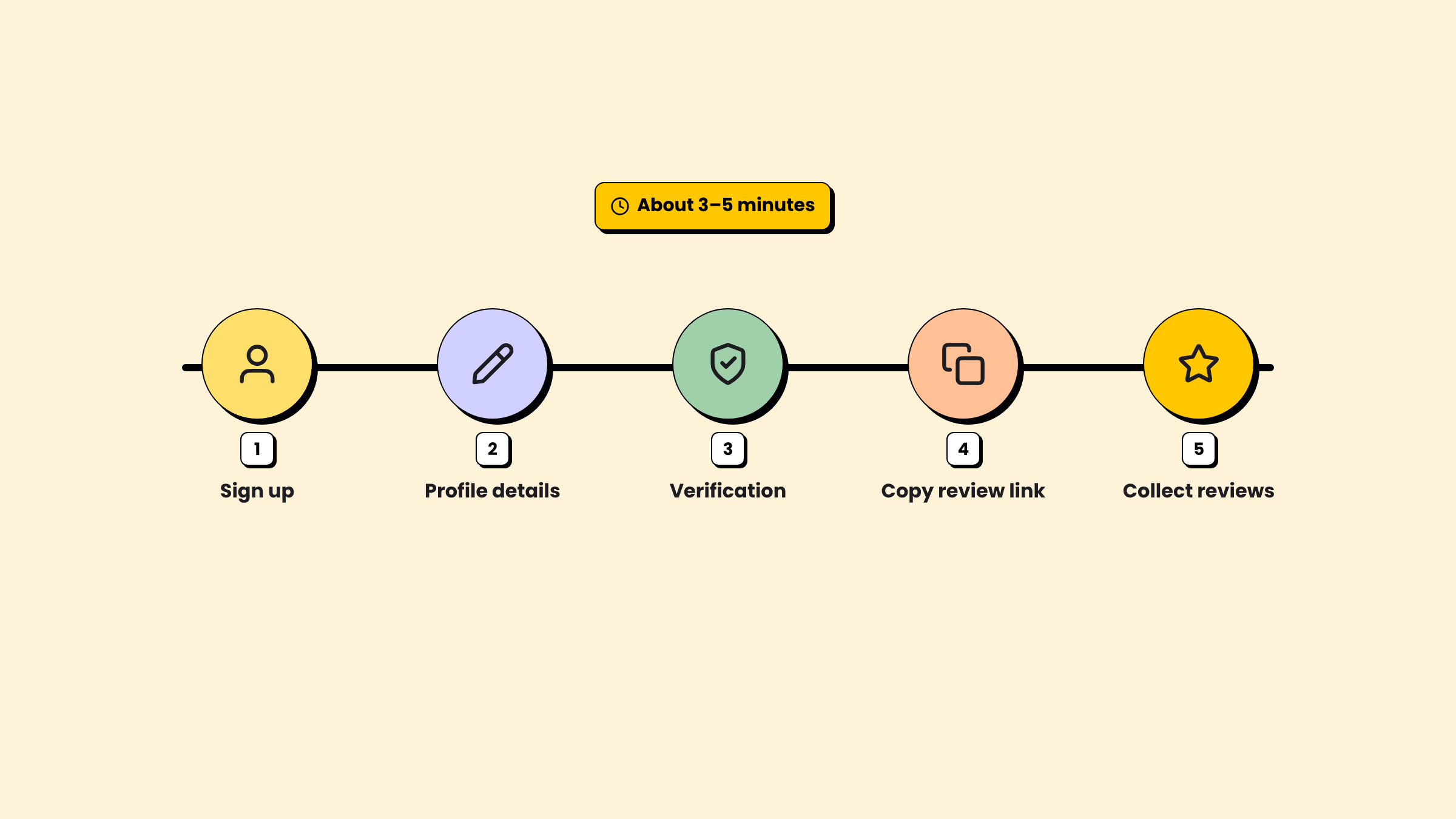
Follow these steps to go from sign-up to your first review:
- Sign up. Go to parrot.business and create your business account.
- Complete your profile. Enter your business name, choose your category and add your contact details.
- Submit verification. Add your NIN and bank details, or upload your CAC documents. Then confirm your phone number and WhatsApp to get your first badge.
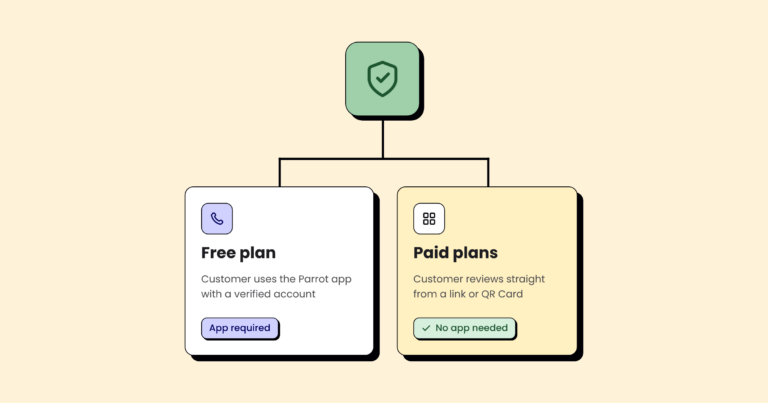
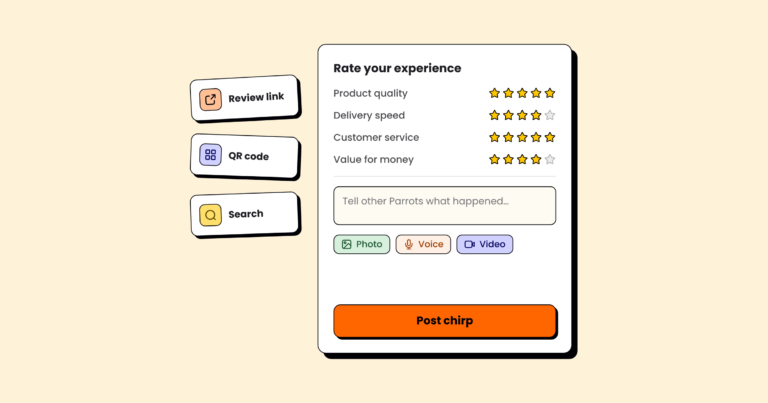
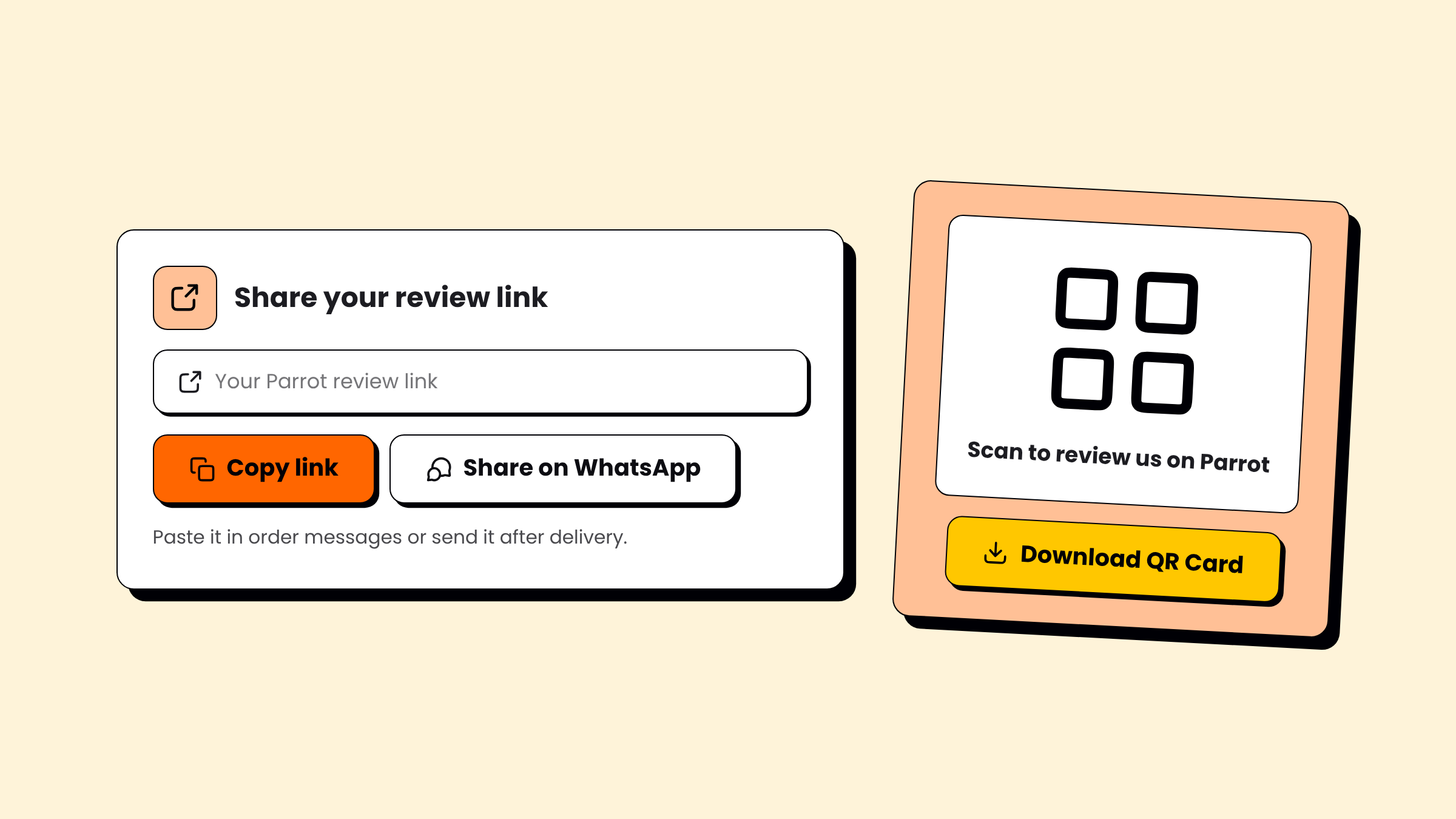
- Copy your review link. Open your dashboard and copy your direct review link. Alternatively, download your Parrot QR Card for your counter or packaging.
- Start collecting reviews. Send the link to recent customers. Each new review then helps build your Parrot Score.
Tips to finish setup faster
- Prepare your logo first. A clear logo makes your profile look complete from day one.
- Check your names match. Your bank account name should match the name on your NIN, so double-check both before you submit.
- Start with recent customers. People who bought from you recently remember the experience best, so they’re more likely to leave a review.
Already listed on Parrot?
If customers have already added your business, you don’t need a new profile. Instead, claim your existing page by following How to Claim Your Business on Parrot.
Conclusion
Parrot Business setup takes only a few minutes, and most of that time goes into details you already have. With your business essentials, contact handles and verification documents ready, you can go from sign-up to your first review link in one sitting.
In short, the sooner customers receive your link, the sooner your Parrot Score starts working for you. Create your profile at parrot.business to get started.