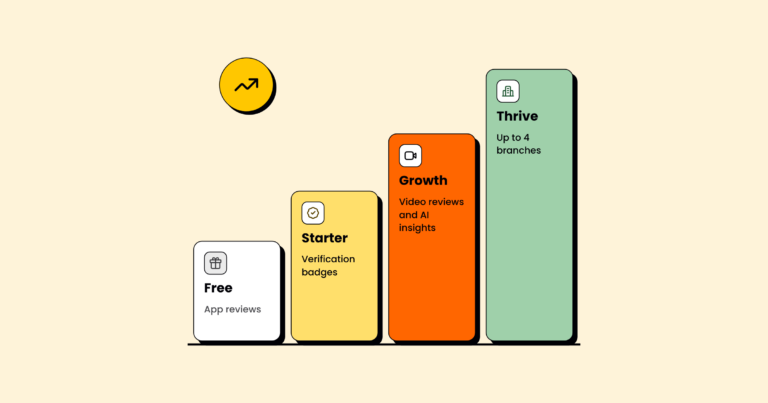
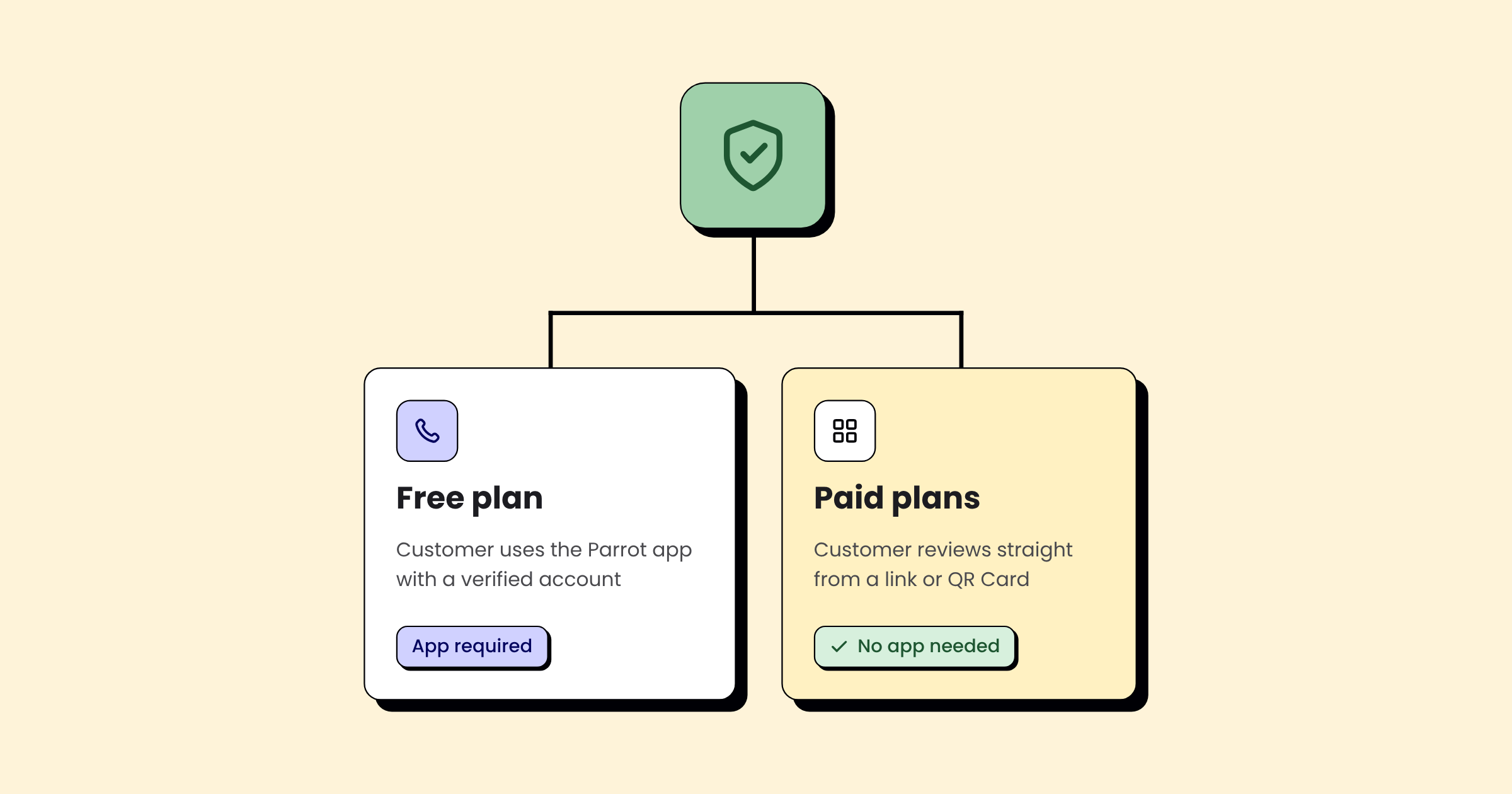

Customers can leave a Parrot review without an account when the business is on a paid plan (Starter, Growth or Thrive). However, if the business is on the Free Plan, customers need the Parrot Customer App and a verified account to submit a review.
In other words, the rule depends on the business’s plan, not on the customer. Here’s how it works.
When can customers leave a Parrot review without an account?
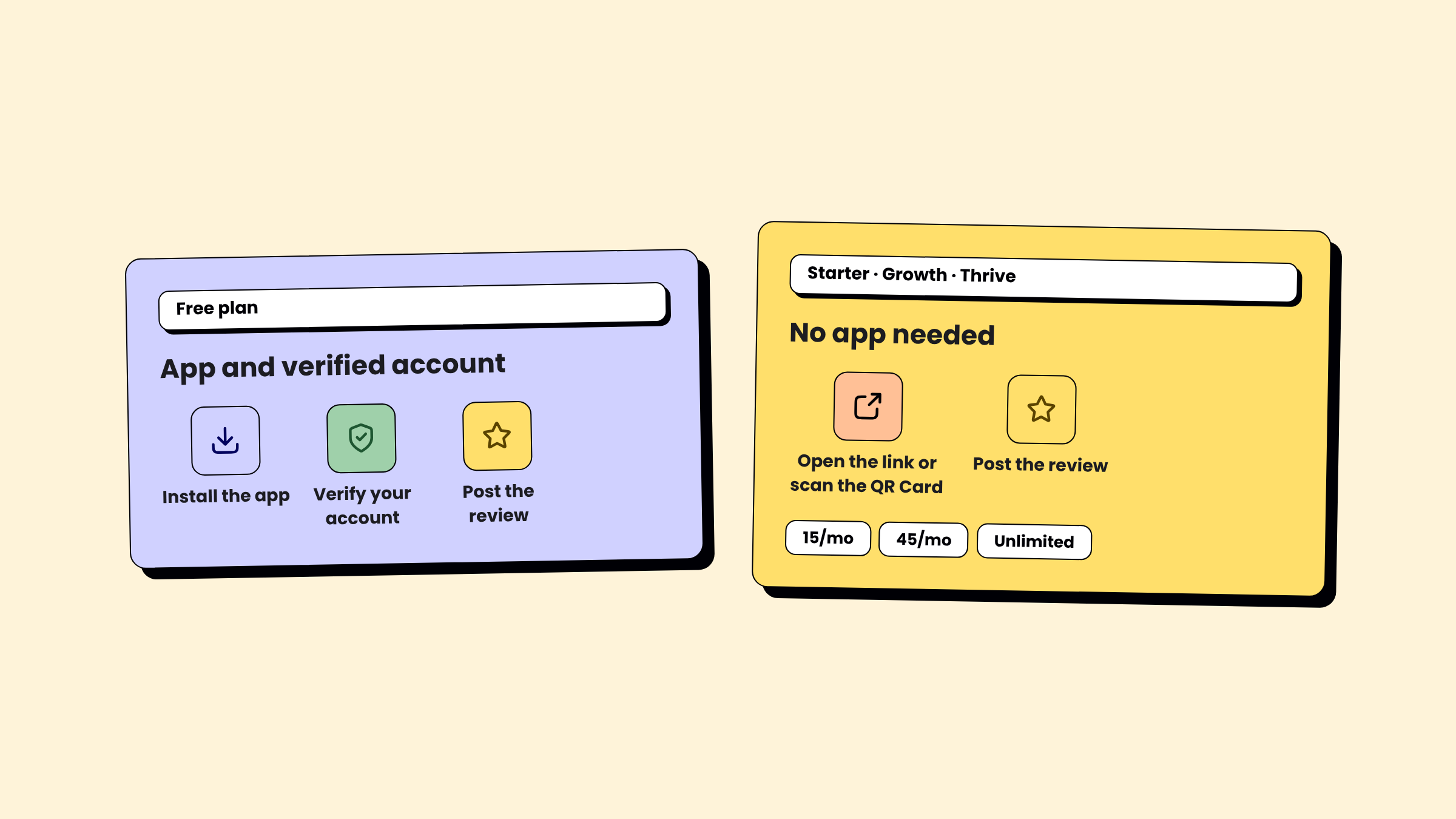
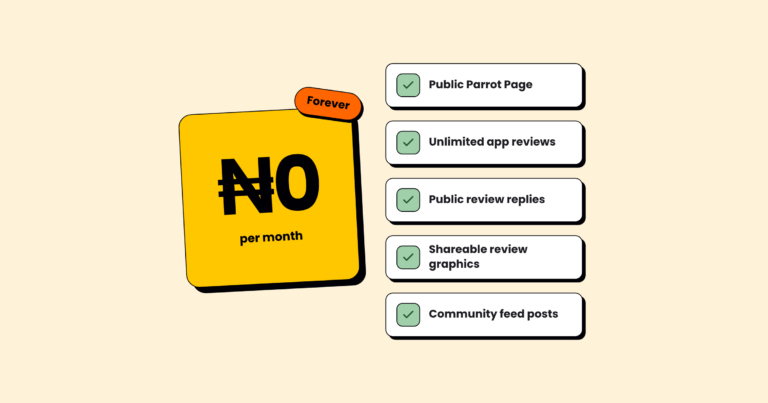
- On the Free Plan (app required): Customers must install the Parrot Customer App and log in as verified Parrots. In addition, reviews from unverified users stay unpublished until the customer completes verification.
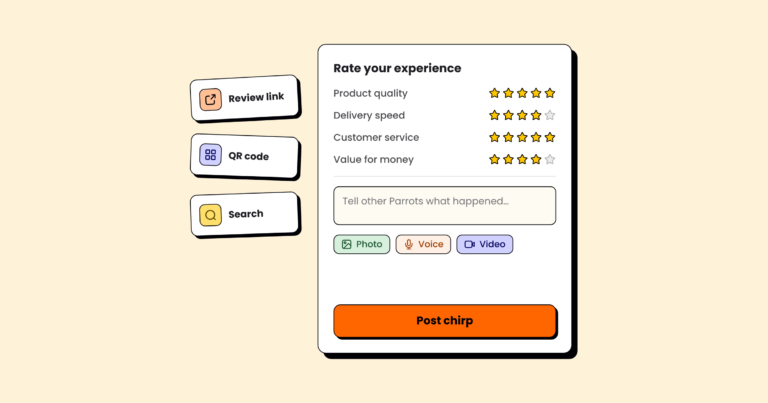
- On Starter, Growth and Thrive (no app required): Customers can review the business straight from its link or QR Card. They don’t need to download an app or create a full account. Paid plans also include a monthly allowance of non-app reviews: up to 15 on Starter, up to 45 on Growth and unlimited on Thrive.
Want to collect reviews from customers without the app? Compare the options in When Should You Upgrade Your Parrot Business Plan?
Verifying your Parrot account to leave a review
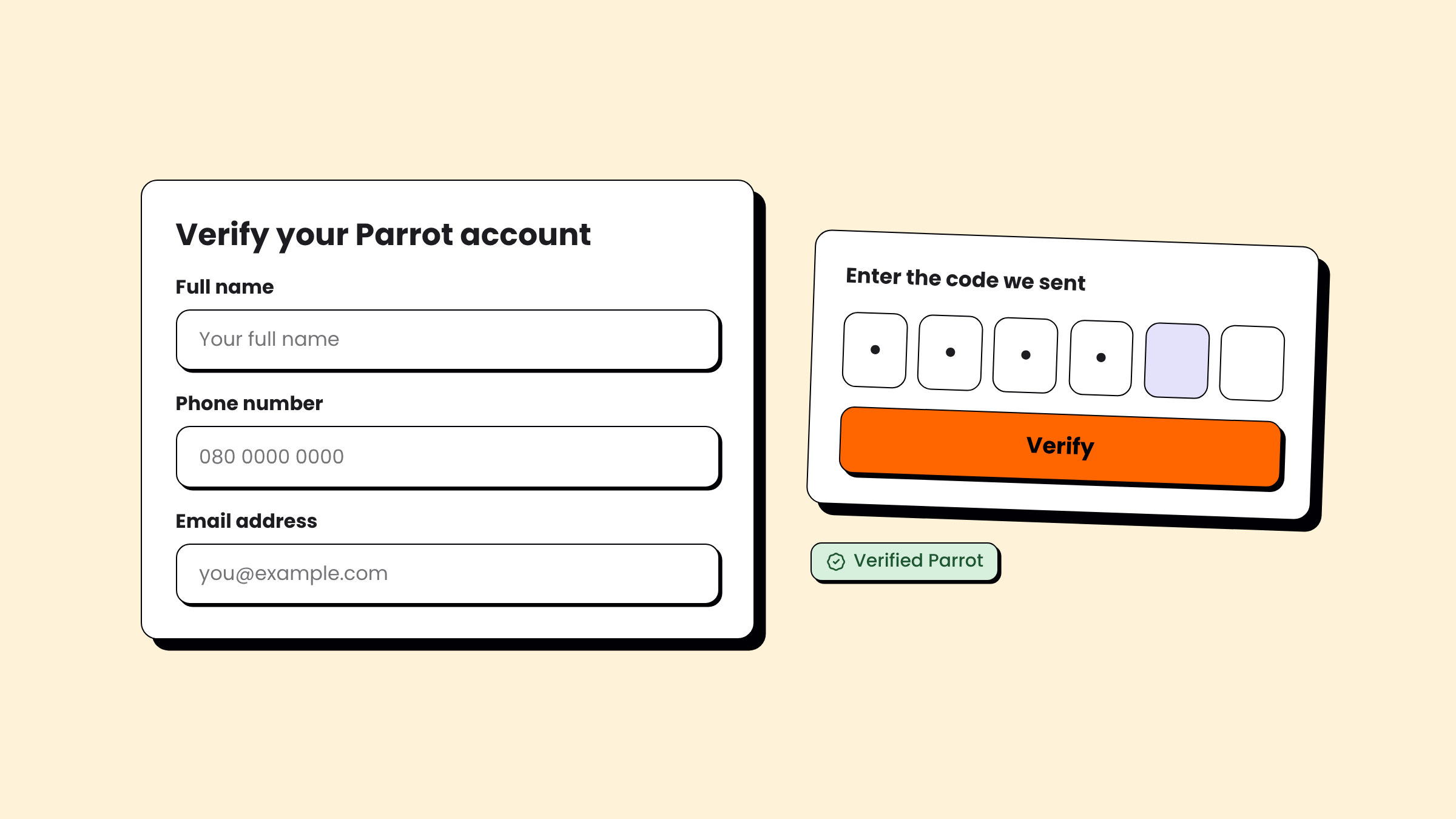
When a Parrot account is needed, customers verify it with three details:
- Full name
- Active phone number
- Email address
Why Parrot asks reviewers to verify
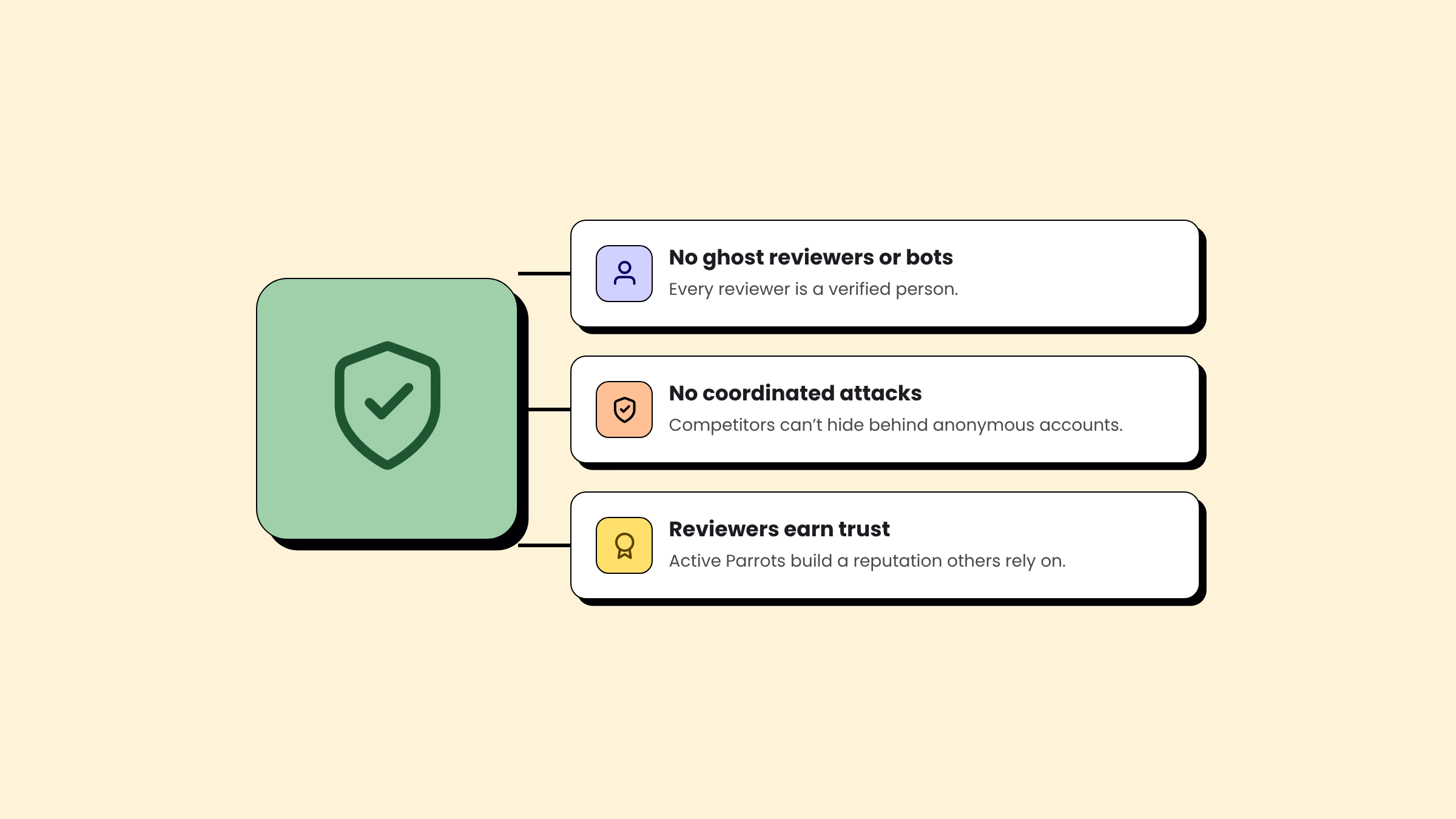
Verification may seem like an extra step. However, it protects everyone who uses Parrot:
- It stops ghost reviewers and bots. Because every reviewer is a verified person, the ratings you read are genuine.
- It protects honest businesses. Competitors can’t use anonymous accounts to launch coordinated review attacks.
- It builds reviewer reputation. Active reviewers earn community trust and help thousands of Parrots make better buying decisions.
For the full review process, read How Customers Can Leave Reviews on Parrot.
Conclusion
Whether customers can leave a Parrot review without an account depends on the business’s plan. On the Free Plan, reviewers use the Parrot Customer App with a verified account. On Starter, Growth and Thrive, by contrast, customers review straight from a link or QR Card, within each plan’s non-app allowance. Either way, verification keeps reviews genuine and protects honest businesses from fake attacks.
So if your customers don’t want to download an app, a paid plan makes it easier to collect reviews from everyone you serve. See the Parrot Business pricing page for current plans.