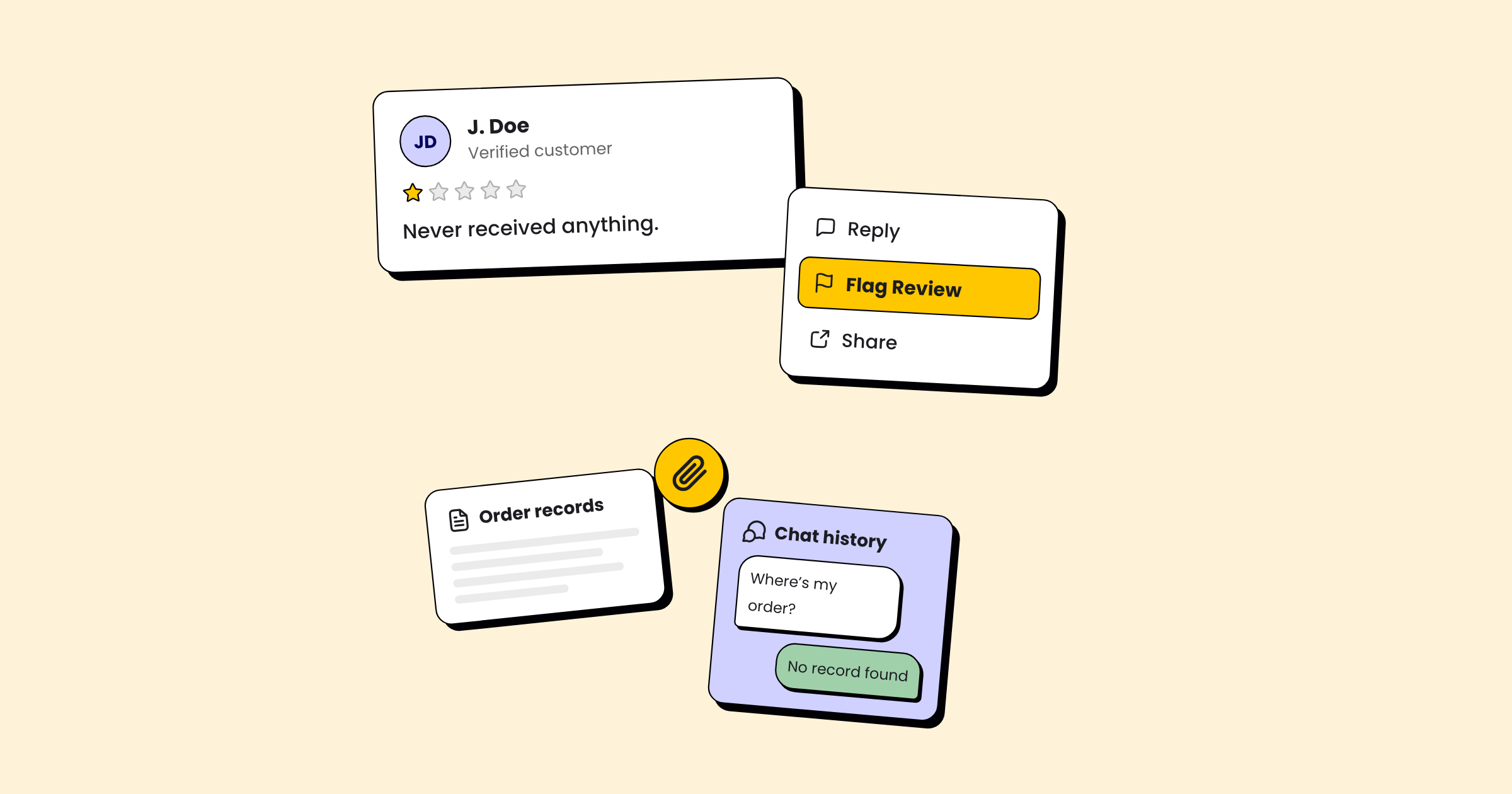

To dispute a Parrot review, find the chirp in your dashboard and click Flag Review. Then choose the reason for your dispute and attach your supporting evidence.
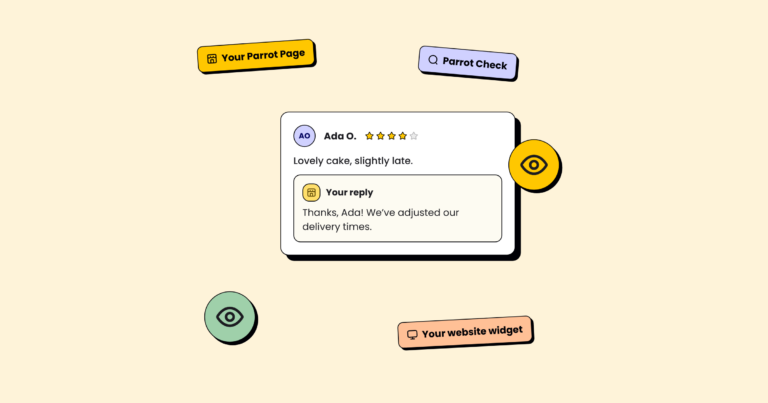
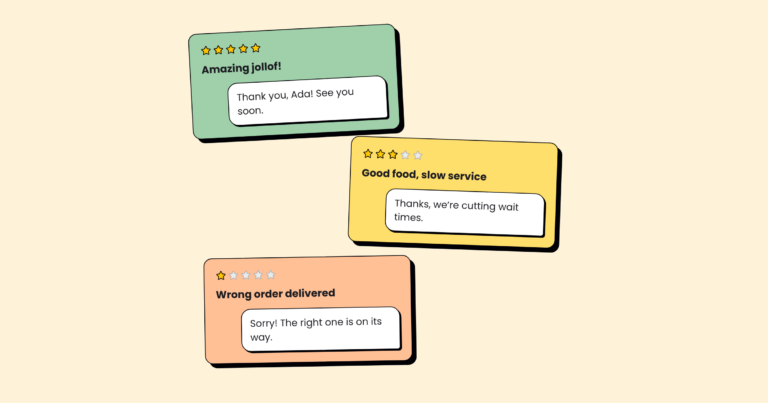
Disputes are for reviews that break Parrot’s standards, such as fake, fraudulent or abusive reviews. For genuine negative feedback, a public reply works better. To learn how, read How to Reply to Customer Reviews on Parrot.
When you can dispute a Parrot review
For example, you can dispute a review when:
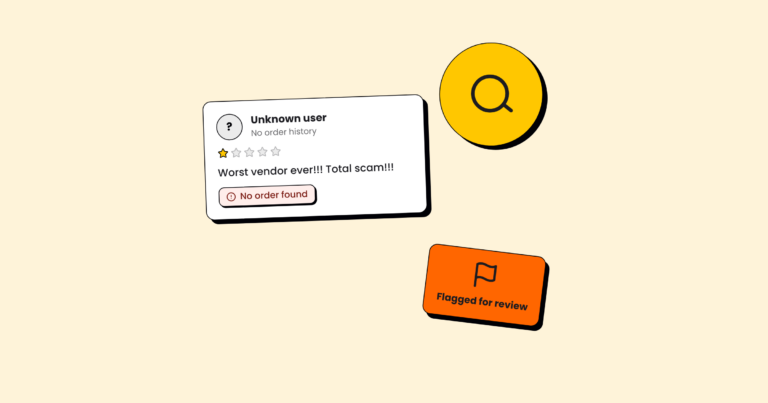
- the reviewer has no record of buying from or contacting your business
- the review contains threats, blackmail, hate speech or profanity
- you notice a sudden cluster of negative ratings from suspicious accounts or competitors
How to dispute a Parrot review, step by step
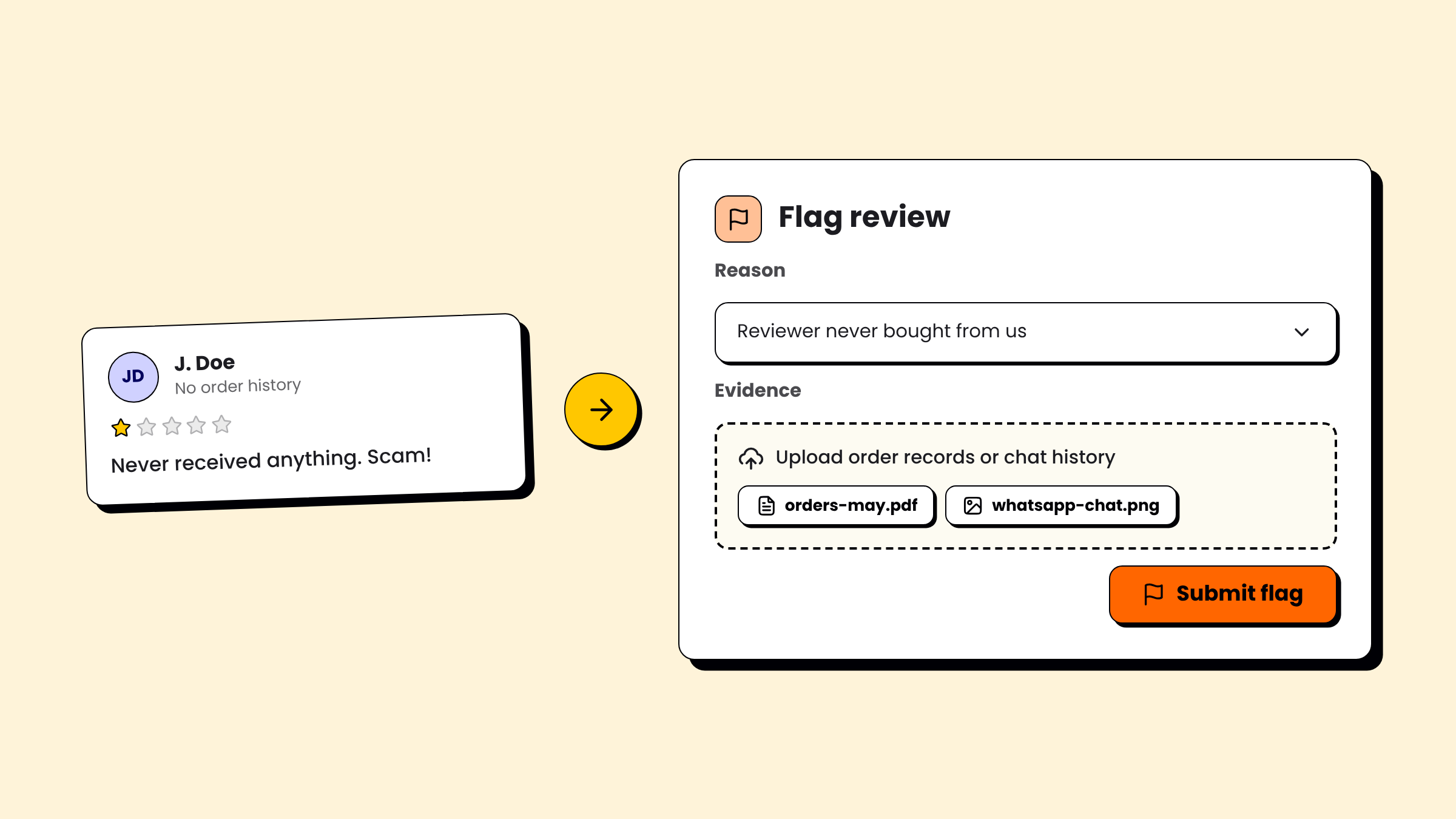
- Log in to your Parrot Business dashboard.
- Find the review you want to dispute.
- Click Flag Review.
- Select the reason for your dispute.
- Attach your evidence, such as order records, chat history or transaction logs, and submit.
Monthly dispute limits by plan
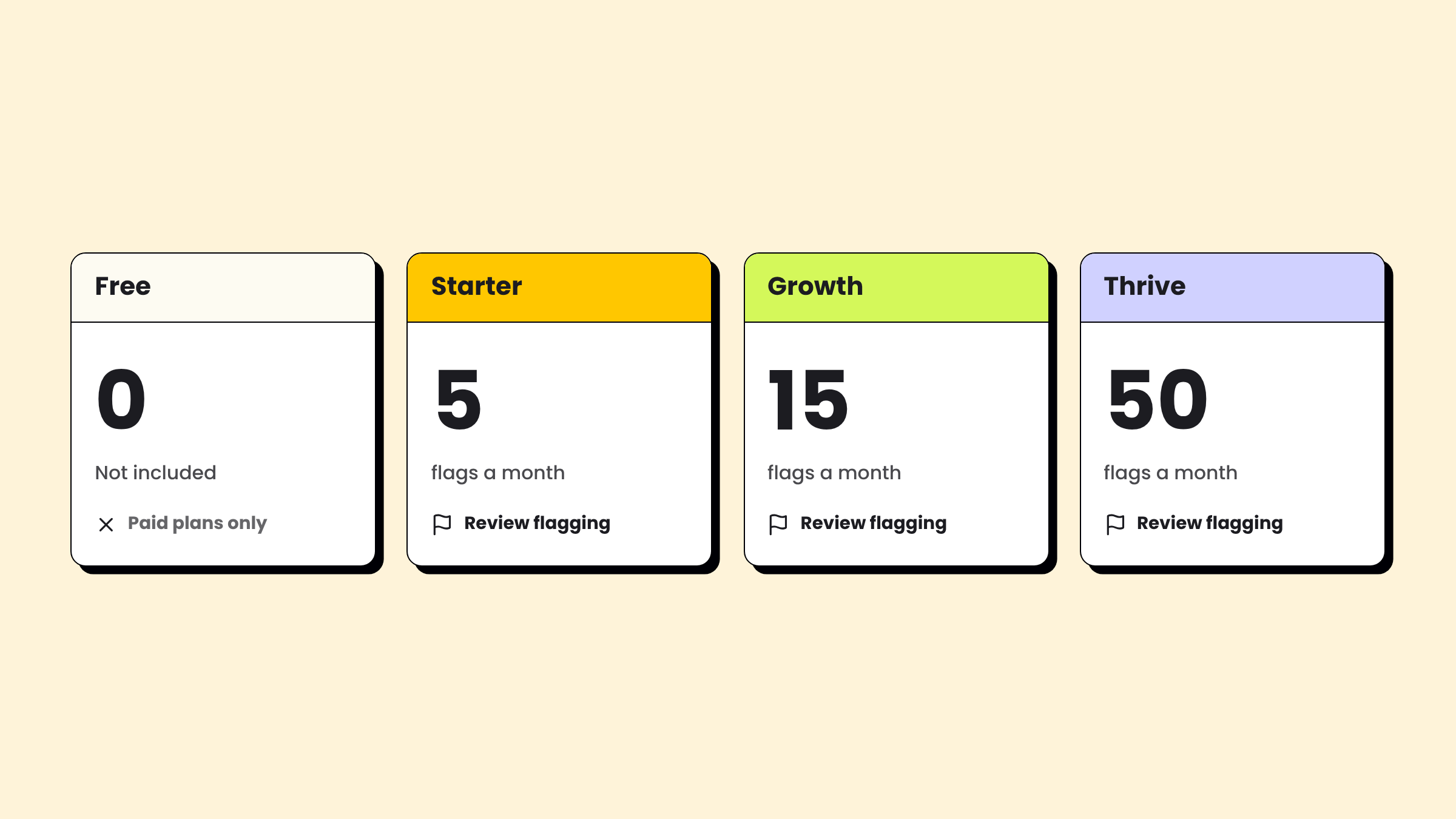
- Free Plan: Review flagging isn’t included.
- Starter Plan: Up to 5 flagged reviews a month.
- Growth Plan: Up to 15 flagged reviews a month.
- Thrive Plan: Up to 50 flagged reviews a month.
What happens after you dispute a Parrot review
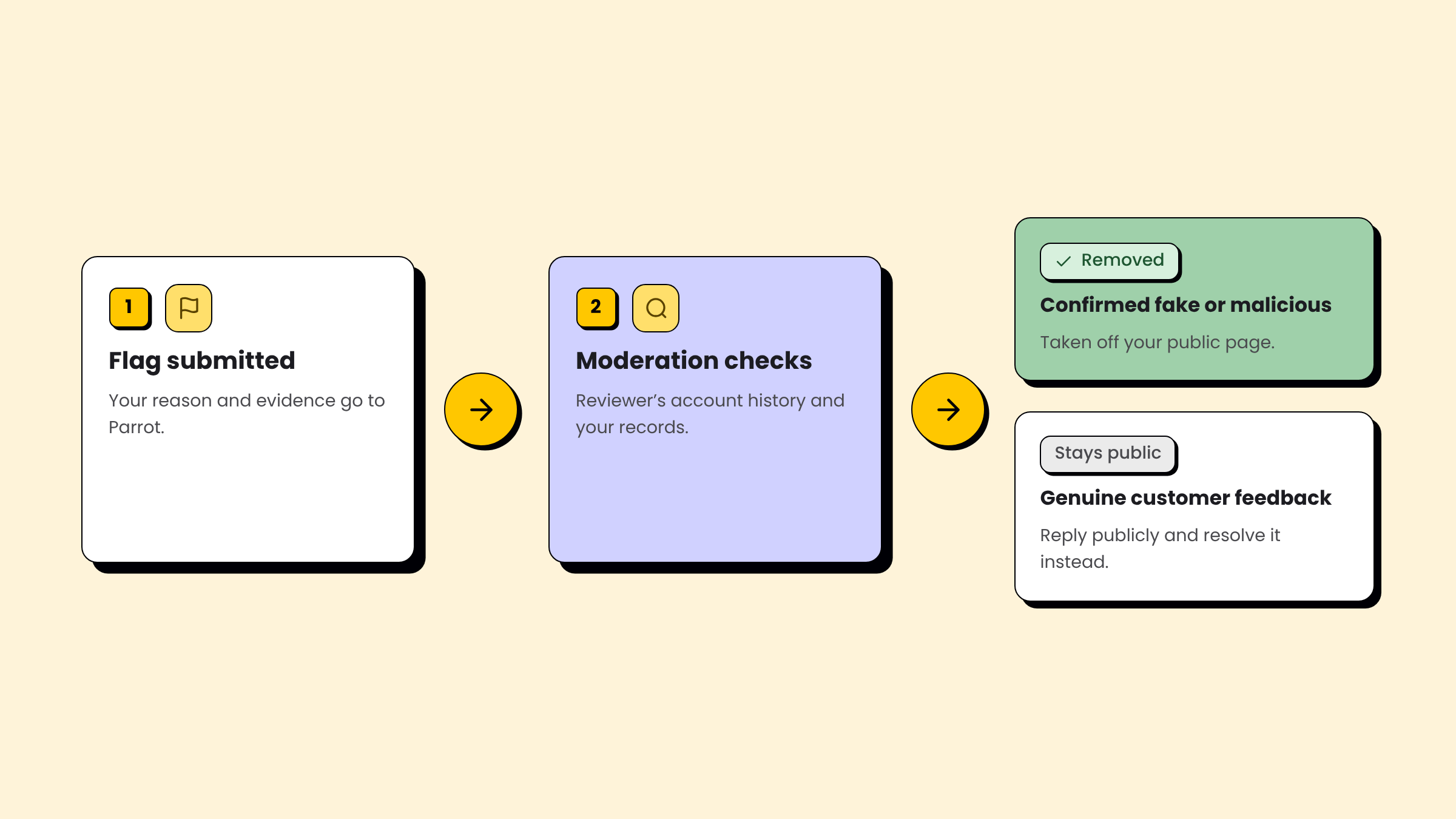
Parrot’s moderation team checks the reviewer’s account history and the records you submitted. Reviews confirmed to be fraudulent or malicious are then removed from your public page. Meanwhile, post a calm public reply so buyers know the review is under investigation.
Conclusion
To dispute a review on Parrot, flag the chirp from your dashboard, choose a reason and attach your evidence. Parrot’s moderation team then checks the reviewer’s account history and your records, and removes reviews confirmed to be fraudulent or malicious.
Keep in mind that review flagging is only available on paid plans, with a monthly allowance that grows from Starter to Thrive. If you’re unsure whether a review qualifies, see What to Do About a Fake or Unfair Review on Parrot. To compare plans, visit the Parrot Business pricing page.