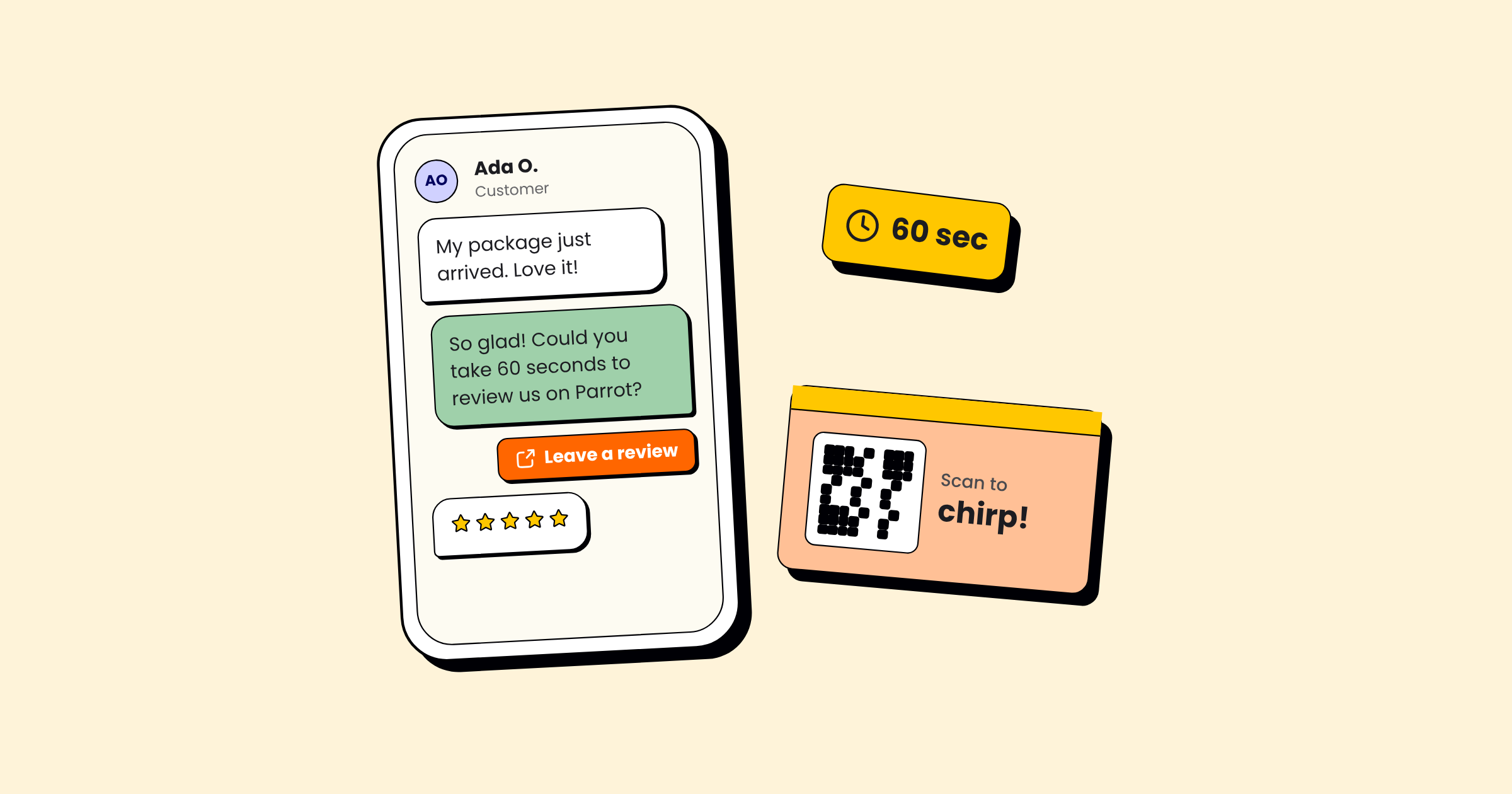

The best way to ask customers for reviews on Parrot is to send your review link right after a successful delivery. Keep the message short, mention that reviewing takes under 60 seconds and explain that honest feedback helps other buyers decide.
Most happy customers never leave a review, simply because nobody asks or the process feels like a chore. So when you make review requests part of your normal order process, you turn satisfied buyers into verified social proof, week after week.
4 ways to ask customers for reviews on Parrot
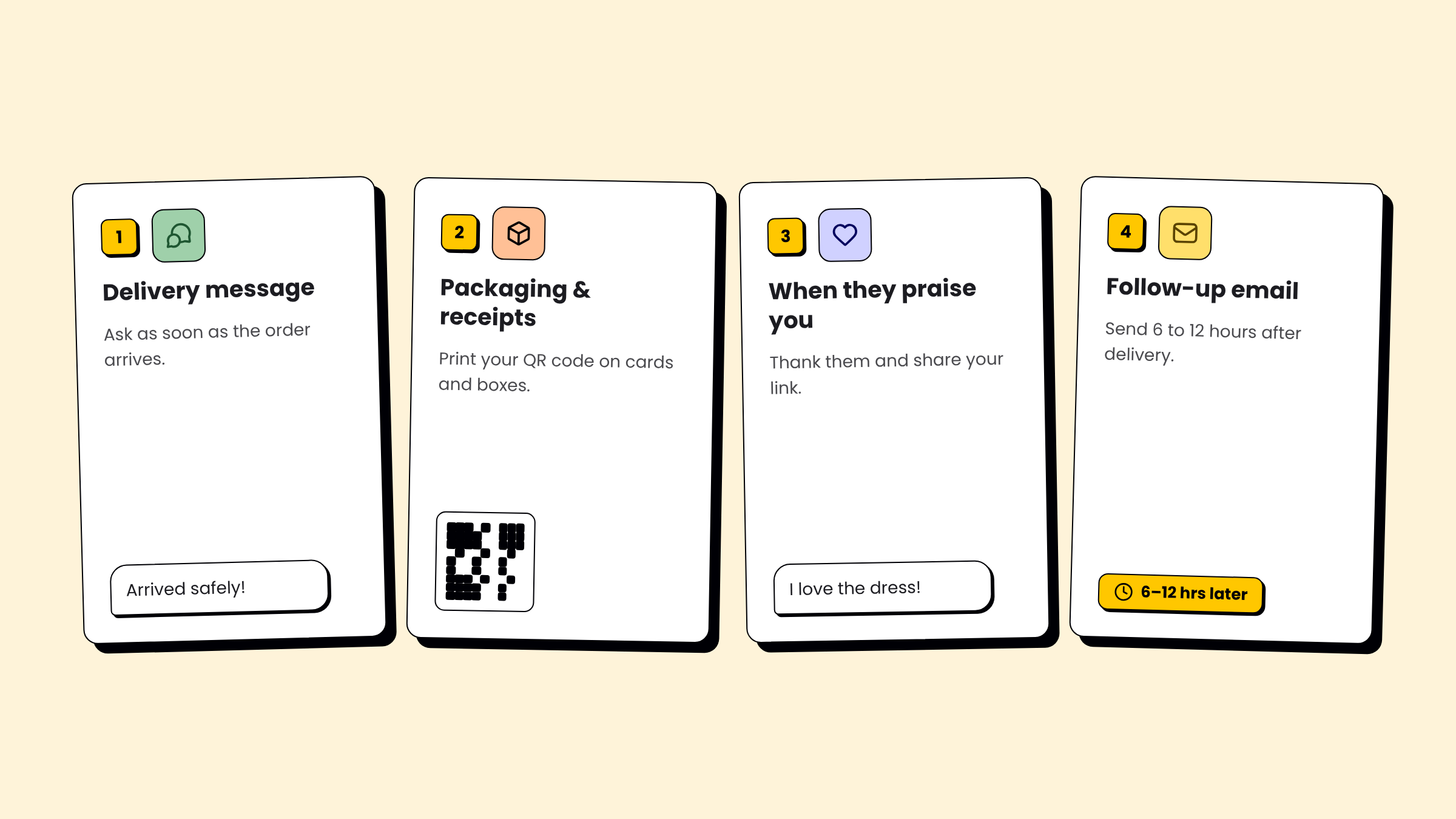
1. Ask customers for reviews in your delivery message
Timing matters most. You’ll usually get the best response right after a customer confirms their order has arrived. For example:
“Hi [Customer Name]! We’re so glad your package arrived safely. Could you take 60 seconds to share your experience on Parrot? It helps other customers know we’re real and helps us serve everyone better: [Parrot review link]”
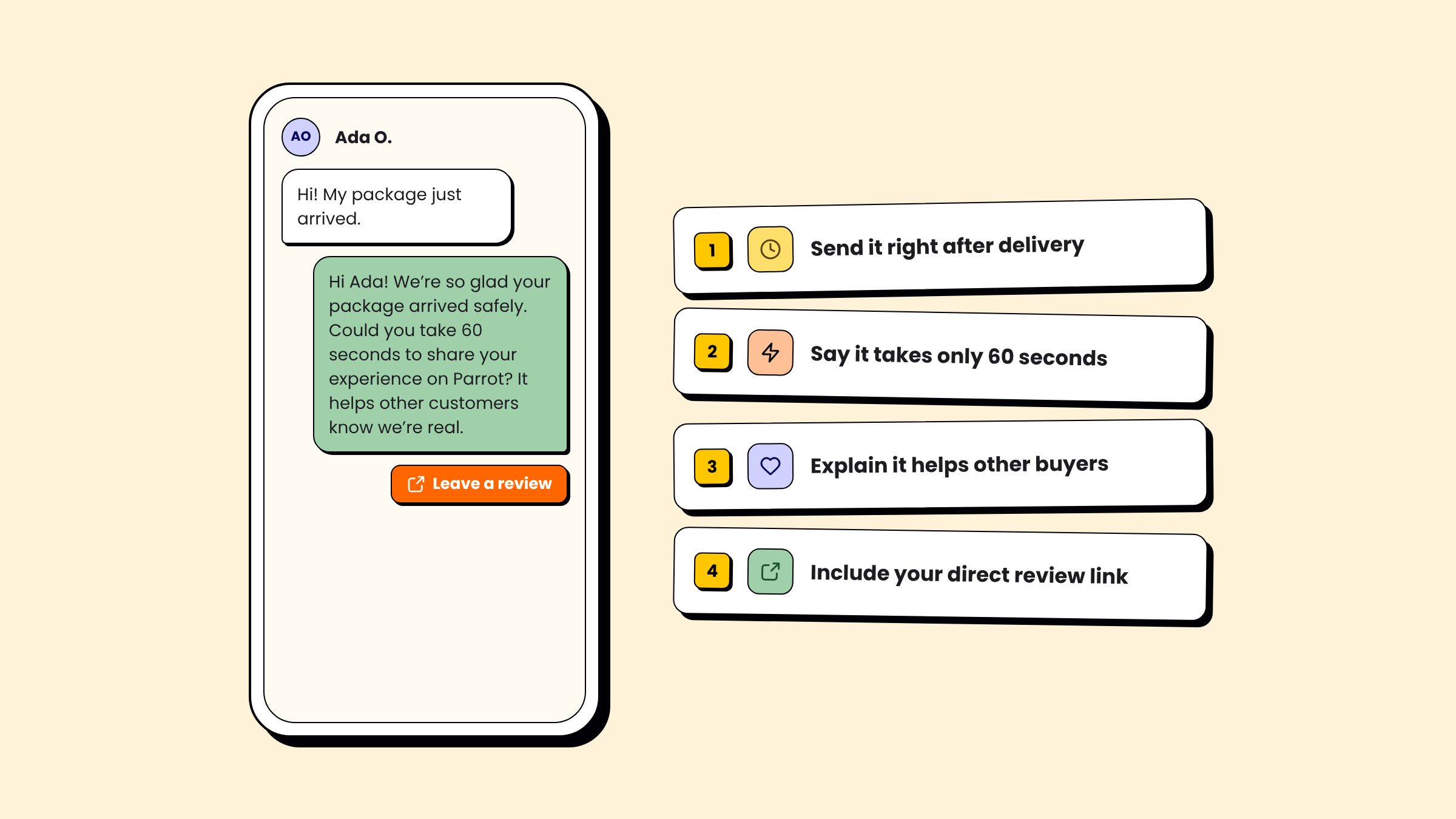
2. On packaging and receipts
Next, print your Parrot QR code on unboxing cards, invoices or delivery boxes:
“Love your order? Scan this QR code to chirp your experience on Parrot!”
3. When customers praise your product
If a customer messages you to say “I love the dress!” or “The food was delicious!”, thank them straight away and share your link:
“Thank you so much, [Name]! That means the world to us. Would you mind sharing those words on our Parrot profile? Here’s our link: [Parrot review link]”
4. In follow-up emails
If you run an online store, you can also send an automated email 6 to 12 hours after delivery that asks for feedback through your review link.
Best practices when you ask customers for reviews
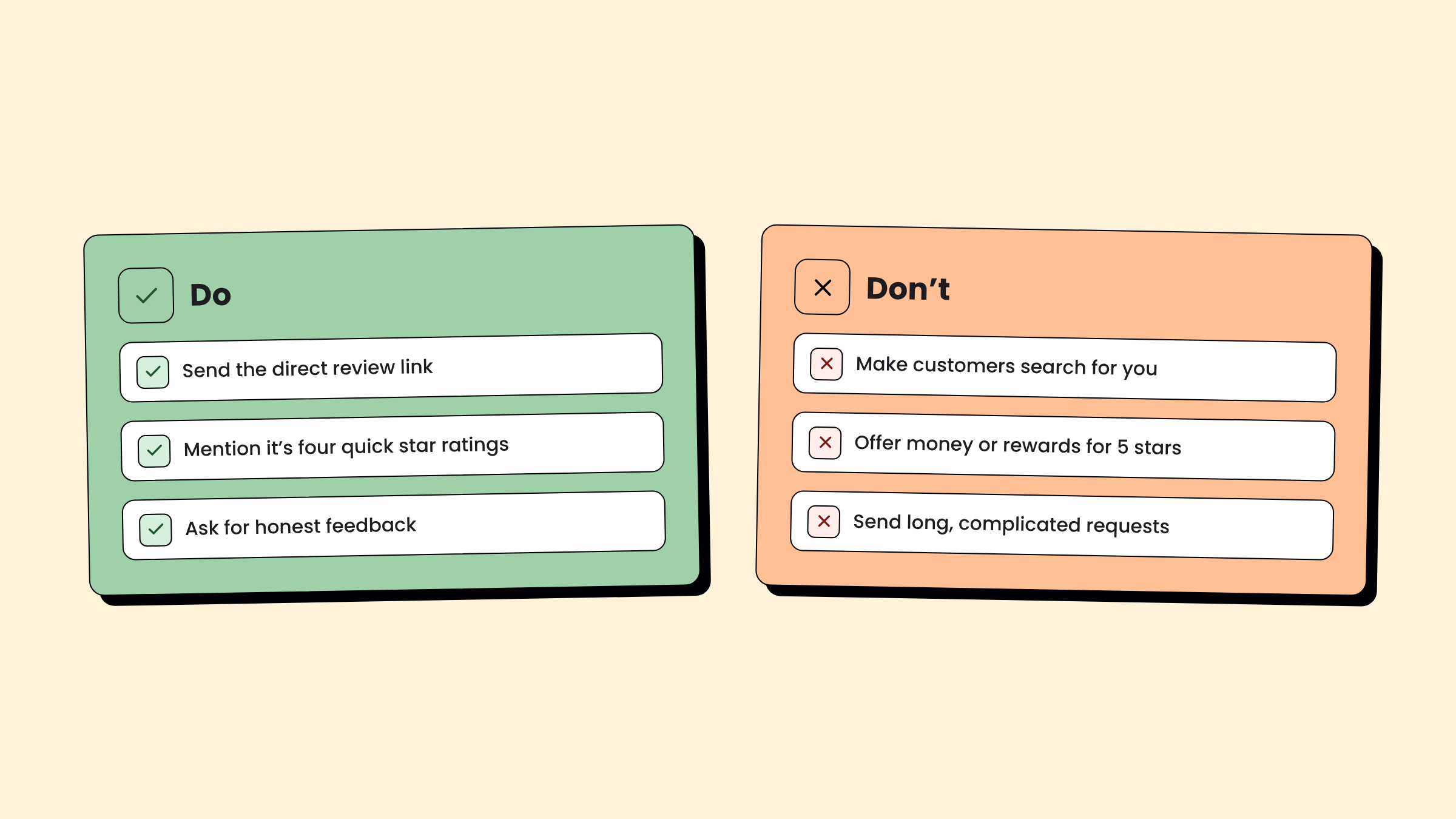
- Keep it easy. Always send the direct link that opens your review page. Don’t ask customers to search for you.
- Mention the four metrics. Remind customers that a Parrot review is a quick star rating on four metrics, not a long essay.
- Ask for honesty, not 5 stars. Never offer money or rewards for positive reviews. Incentives damage authenticity and break Parrot’s community standards.
Conclusion
Asking customers for reviews works best when it’s part of your routine, not an afterthought. Send your Parrot review link right after delivery, put your QR code on packaging and receipts, and share your link whenever a customer praises you. In addition, keep each request short and honest.
Over time, these small habits turn happy buyers into verified social proof that helps new customers trust you. To get your link and QR code ready, read How to Create a Parrot Review Link or QR Code. If you don’t have a profile yet, create one for free on parrot.business.