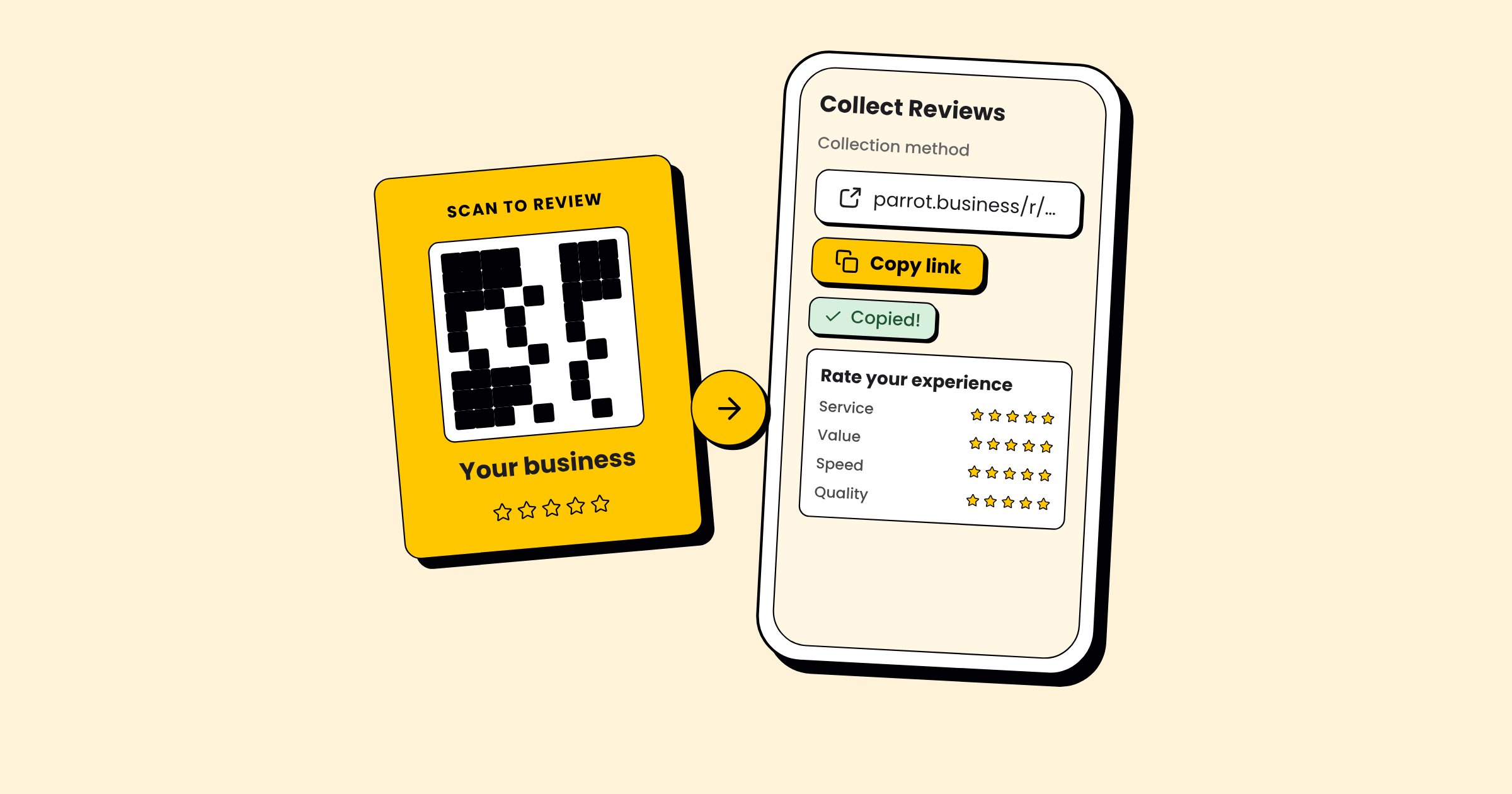

To create a Parrot review link or QR code, log in to your dashboard and open the Collect Reviews tab. Then click Collection method and choose whether to copy your Parrot review link or download your Parrot card with its QR code.
Making reviews effortless is the most effective way to get more customers to take part. That’s why Parrot gives you a ready-made link and a printable QR card. Both take customers straight to your four-metric review form in one tap.
How to get your Parrot review link
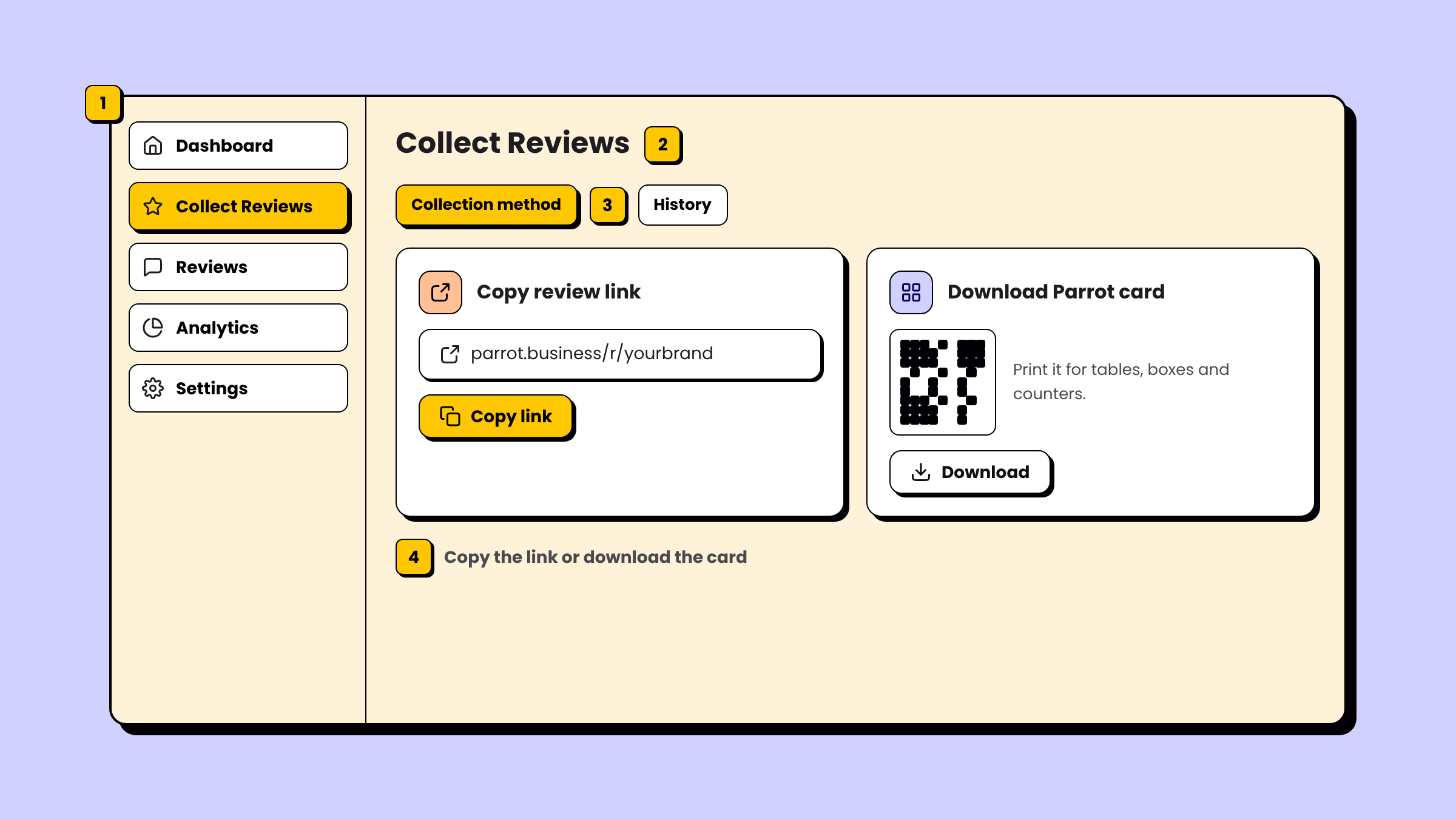
- Log in to your Parrot Business dashboard.
- In the left menu, click the Collect Reviews tab.
- Click Collection method.
- Copy your Parrot review link, or download your Parrot card with your QR code.
Where to share your Parrot review link
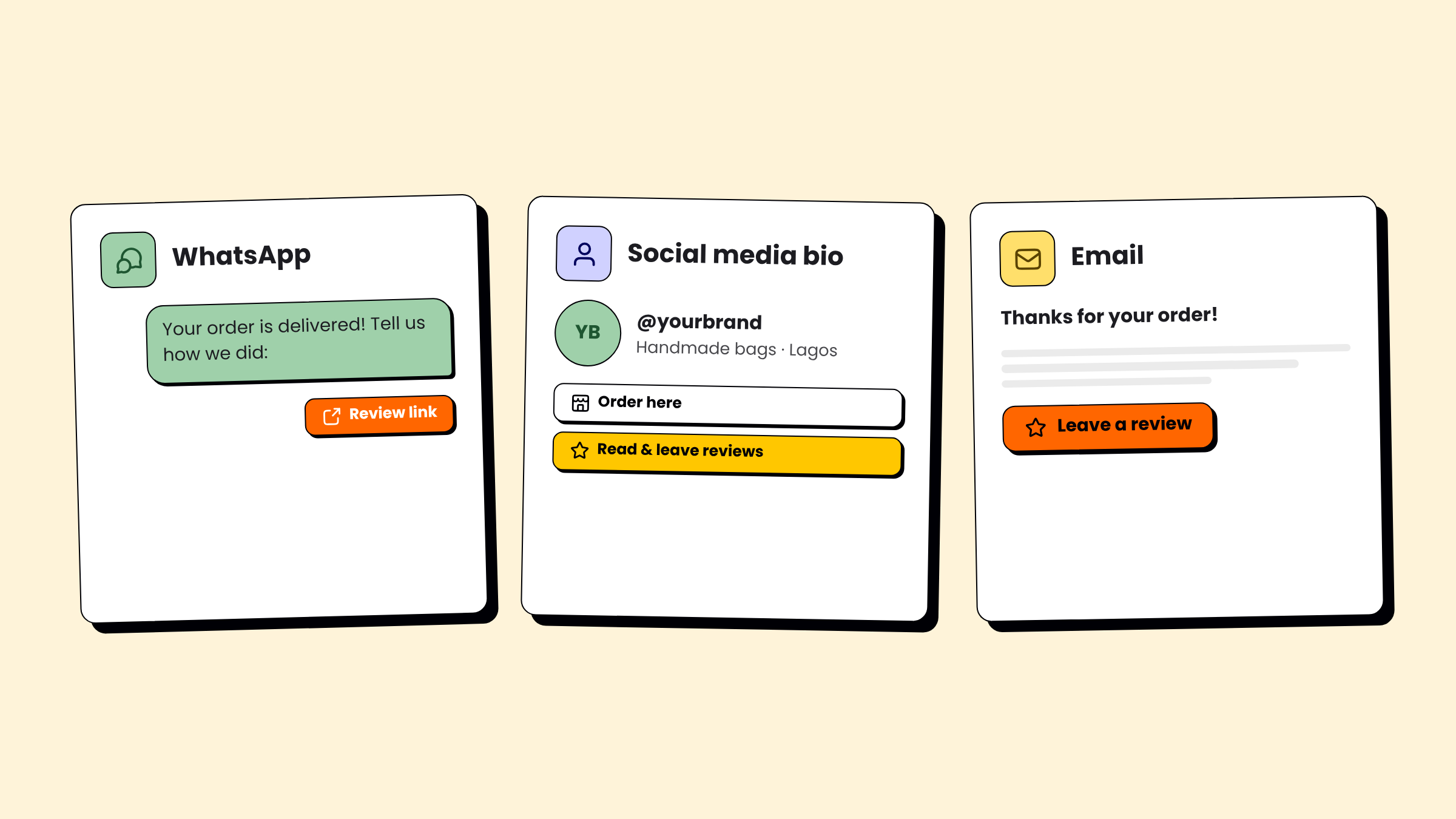
Your link works anywhere you already talk to customers. For example:
- WhatsApp: Add it to your delivery confirmation message.
- Social media bio: Place it on Instagram, TikTok or your Linktree, next to your ordering link.
- Email: Include it in your order confirmation or follow-up emails.
Creative ways to use your Parrot QR code
While the link suits online sales, the QR code works best in physical spaces:
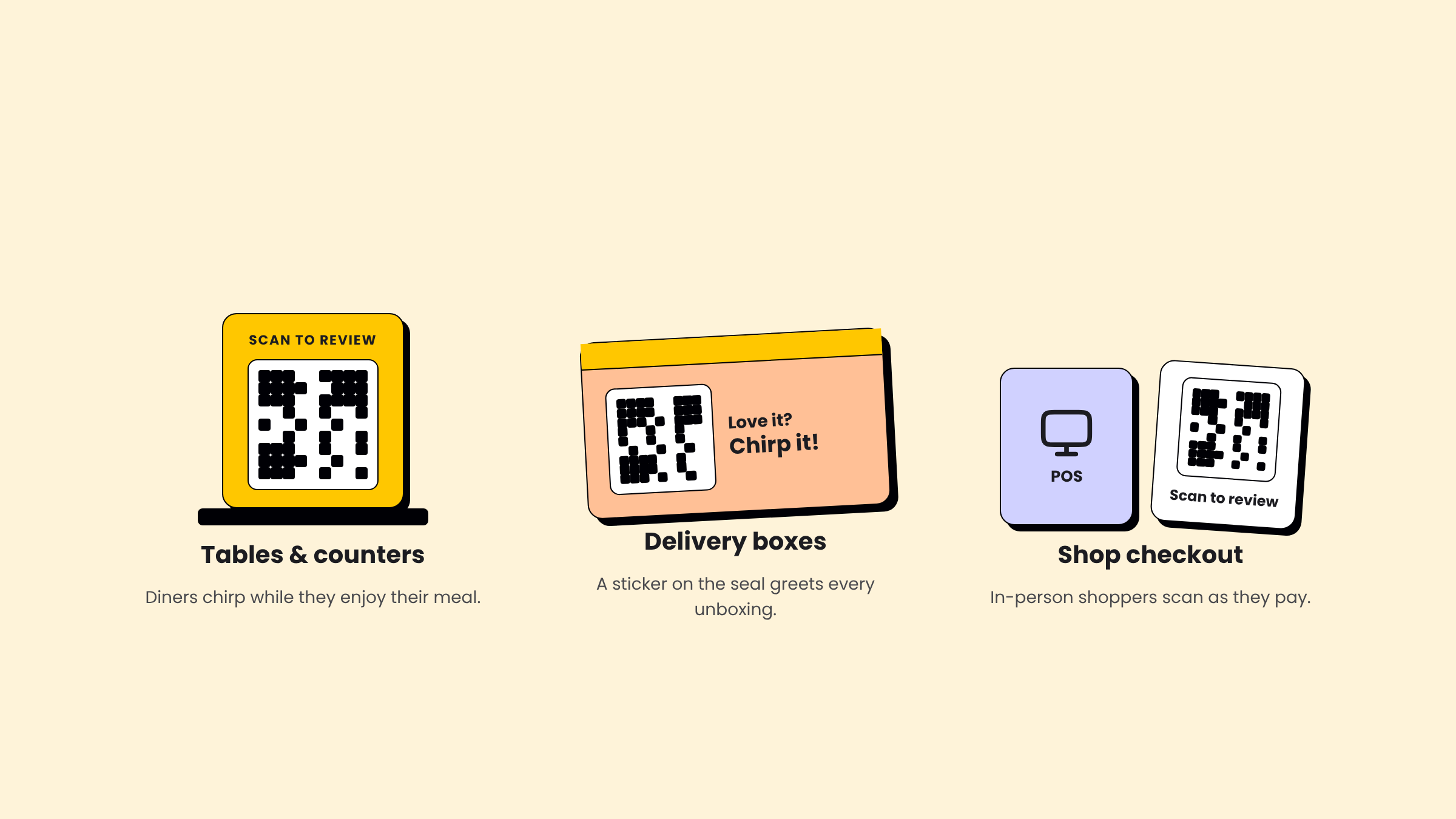
- Restaurant tables and counters: Place tabletop stands with your QR code, so diners can chirp during their meal.
- Delivery bags and boxes: Print branded stickers with your QR code and place them over the box seal.
- Shop checkout: Keep a QR counter card beside your POS terminal for in-person shoppers.
Conclusion
Creating a Parrot review link or QR code takes only a few clicks from the Collect Reviews tab. Once you have them, share the link in WhatsApp messages, bio links and emails. Then place the QR code on tables, delivery packaging and checkout counters.
The easier you make it for customers to reach your review form, the more chirps you’ll collect. For tips on what to say when you share your Parrot review link, see How to Ask Customers for Reviews on Parrot. If you don’t have a profile yet, set one up on parrot.business.